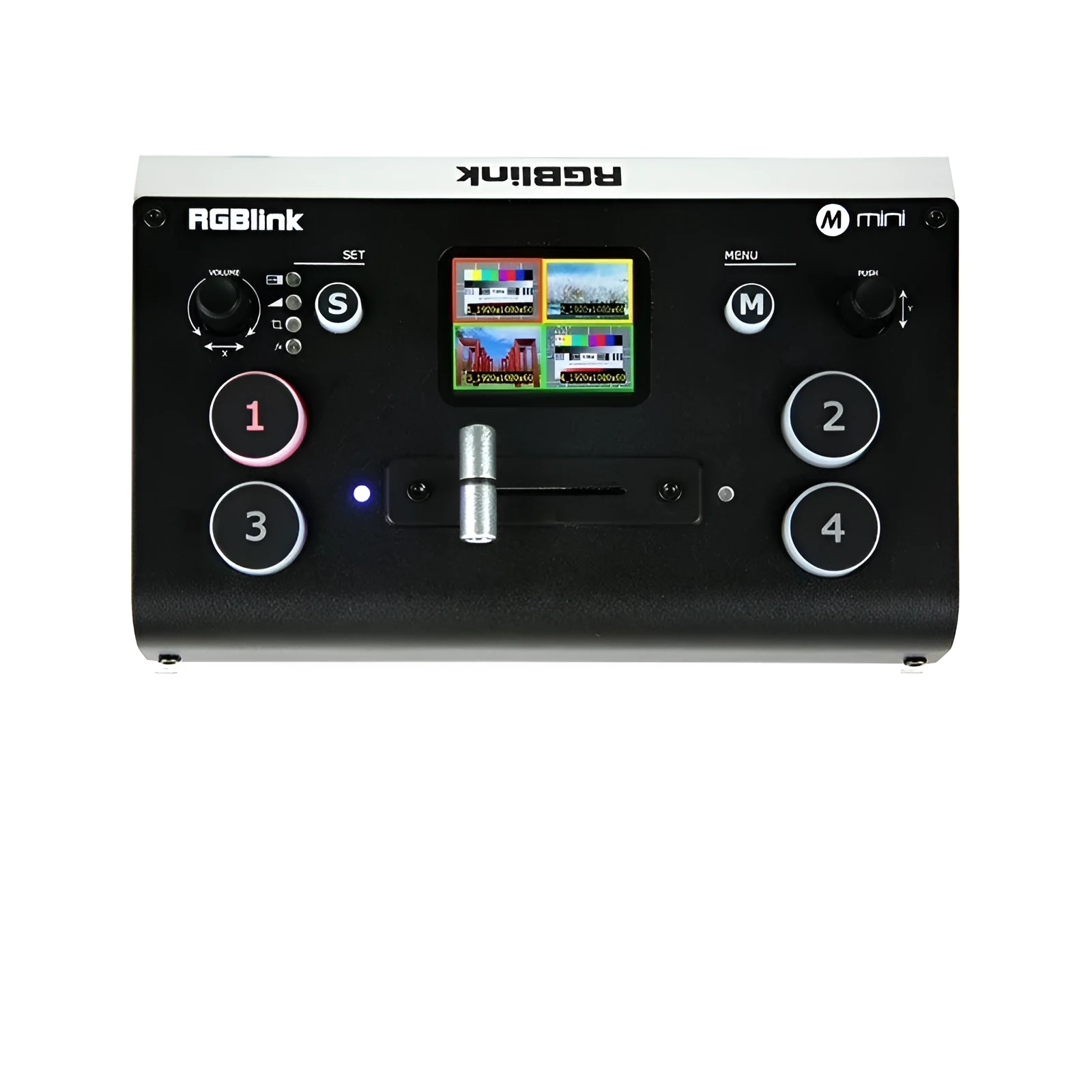
RGBLINK 4-way HDMI Multi Format Switcher with TFT screen, supporting 6 multi-view, PIP, PBP, audio mixing, PC/APP control, and T-Bar switching for professional live production and AV presentations.


RGBLINK 4-way HDMI Multi Format Switcher with TFT screen, supporting 6 multi-view, PIP, PBP, audio mixing, PC/APP control, and T-Bar switching for professional live production and AV presentations.
RGBLINK 4-Way HDMI Multi Format Switcher with TFT Screen and Live Production Control
The RGBLINK 4-way HDMI Multi Format Switcher consolidates control of multiple video sources into a single, portable unit designed for live events, presentations, and professional AV installations. It connects four HDMI input devices—such as cameras, media players, or computers—to one HDMI output display or projector. A key feature is its integrated 2.1-inch TFT full-colour screen, providing direct visual feedback for source monitoring and menu navigation without requiring an external monitor. The switcher supports advanced production functions including six multi-view layouts for previewing all inputs, picture-in-picture (PIP), and picture-by-picture (PBP) modes for composite displays. Control is versatile, offered through the unit's physical interface, a dedicated T-Bar switch for smooth manual transitions, and via PC software or a mobile application for remote operation.
Core Features and Professional Control

The switcher is built around professional live production needs, offering a suite of features typically found in higher-end broadcast equipment. Its integrated design prioritises usability in both fixed installations and mobile setups.
Multi-View and Display Modes
The device provides six distinct multi-view layouts, allowing the operator to see feeds from all four HDMI inputs simultaneously on a connected preview monitor. This is essential for live directing and source selection. Beyond multi-view, it supports Picture-in-Picture (PIP) and Picture-by-Picture (PBP) modes. PIP overlays a secondary source window onto the main program feed, while PBP displays two sources side-by-side within the output frame, facilitated by the onboard image scaling and cropping functions.
Transition Effects and T-Bar Control
For polished live switching, the unit includes six built-in transition effects to move between video sources seamlessly. Professional operation is enhanced by support for an external T-Bar switch, which gives tactile, variable-speed control over transitions—a standard requirement in live broadcast and event production. This allows for more nuanced and creative scene changes than simple cuts.
Audio Integration and Mixing
Audio management is integrated directly into the video workflow. The switcher features separate MIC and LINE audio input ports, enabling the connection of a microphone for commentary and line-level sources like music players. An internal multi-channel audio mixer allows these audio sources to be balanced and mixed together before being embedded into the final HDMI output signal, simplifying the audio-visual setup.
Technical Operation and Connectivity

This section details the practical setup, control methods, and technical specifications that define the switcher's operation in various environments.
Input/Output Configuration and Scaling
The core connectivity comprises four HDMI inputs and one HDMI output. Each input can accept standard HDMI video signals from a wide range of source devices. The onboard image scaling and cropping functionality lets operators adjust the resolution and framing of incoming signals to match the output display's requirements or to create specific layouts in PBP mode, ensuring a clean and composed final picture.
Control via PC and Mobile App
Alongside physical controls, the switcher can be fully operated via dedicated PC software and a mobile application. This enables control from a comfortable distance, such as from a production desk or auditorium seat. Remote control is particularly useful for adjusting settings, selecting multi-view layouts, or triggering transitions without physical contact with the main unit.
System Management and Branding
The unit includes logo overlay functionality, allowing a custom graphic or logo to be inserted into the output video stream—useful for branding live streams, corporate events, or church services. System reliability is supported by an optimised heat management and dissipation design within its integrated chassis, aiming to maintain stable performance during long sessions.
Application Scenarios and Practical Value

The RGBLINK switcher is designed for users who need reliable video switching without the complexity and cost of large broadcast systems. Its blend of professional features and compact form factor suits several common scenarios.
Live Event and Production Use
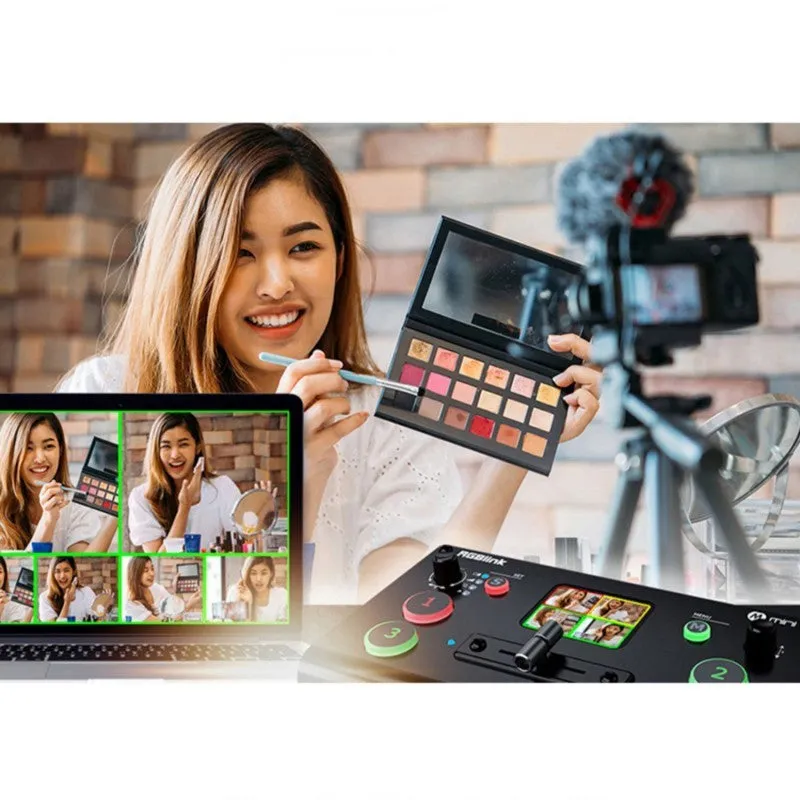
This switcher is suited for live event production, including conferences, lectures, weddings, and house of worship services. The T-Bar support, multi-view, and audio mixing allow a single operator to manage multiple cameras and audio sources, switching between presenters, slides, and wide shots smoothly. The logo overlay adds professional branding to the live output.
Educational and Corporate AV
In boardrooms, lecture halls, and training rooms, the switcher can manage inputs from a lectern laptop, a document camera, a Blu-ray player, and a video conferencing system. The ability to show sources in PIP or PBP modes is valuable for comparative displays or adding speaker video to presentation slides. PC/APP control allows an instructor or presenter to switch sources discreetly from a tablet.
Portability and Integrated Design
The integrated, compact design makes the unit easy to transport between different venues, which is a key advantage for rental companies, freelance videographers, or AV technicians who work on location. Its all-in-one nature reduces setup time and cable clutter compared to assembling multiple separate devices to achieve similar functionality.