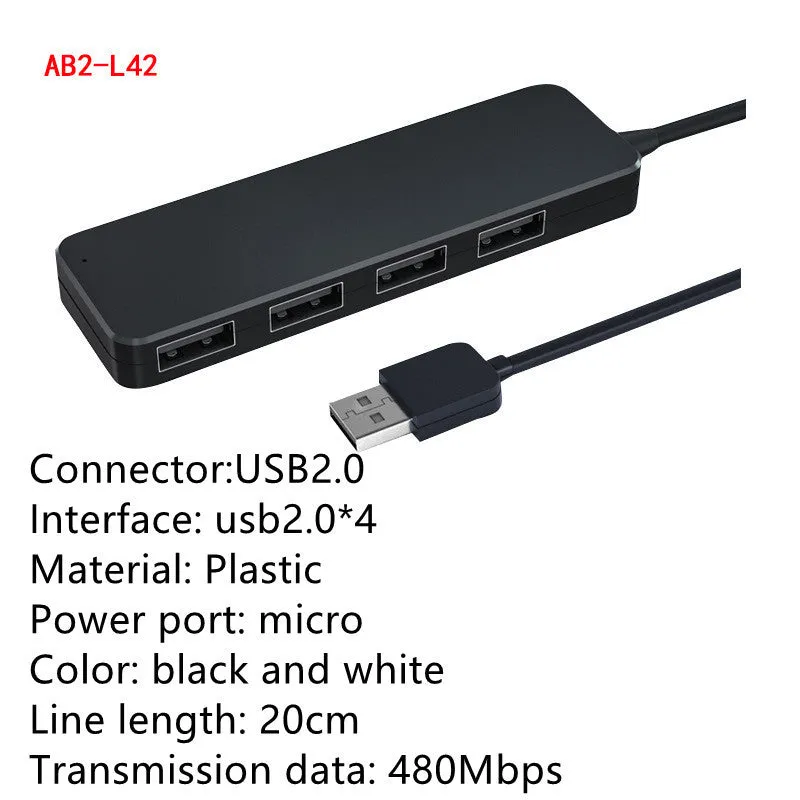
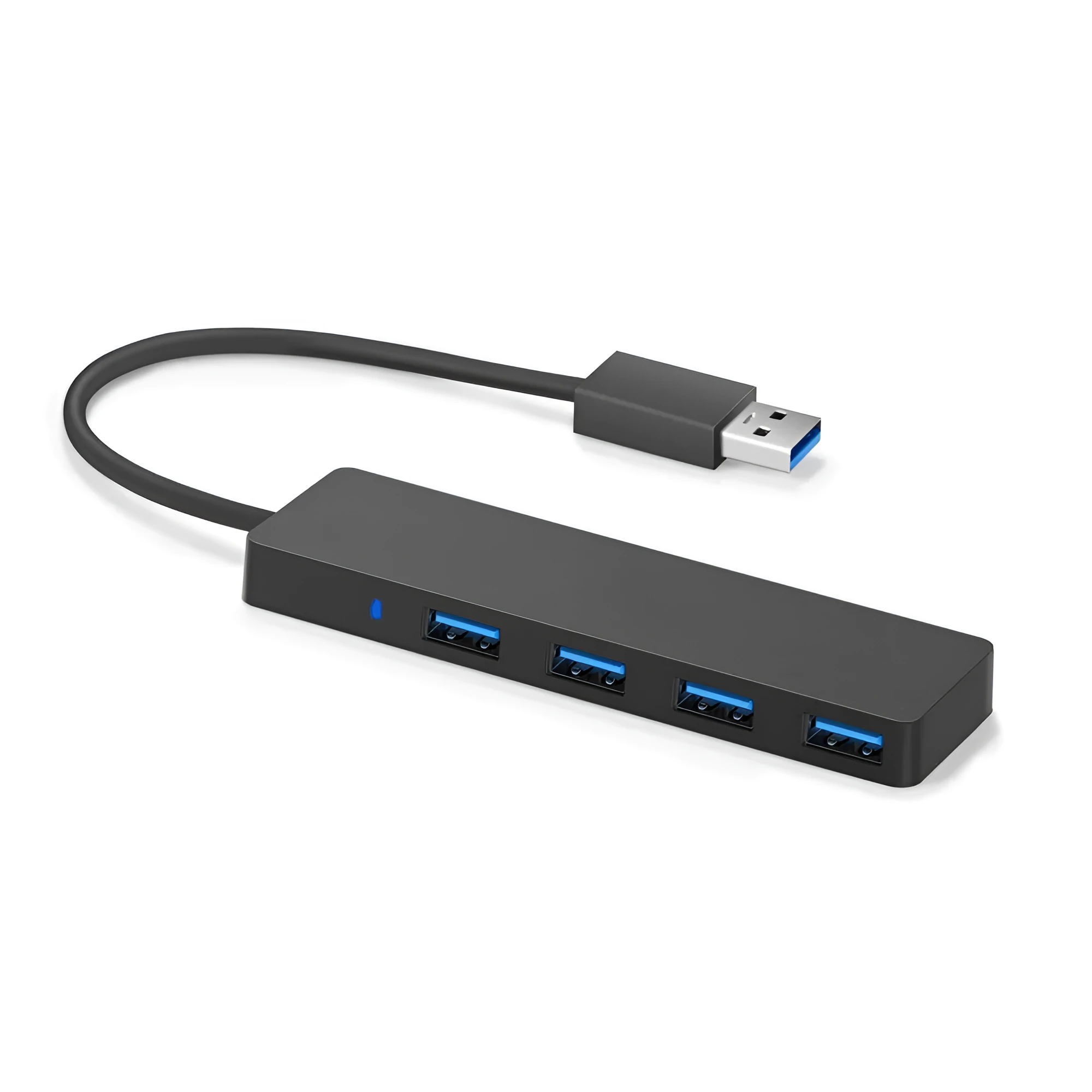
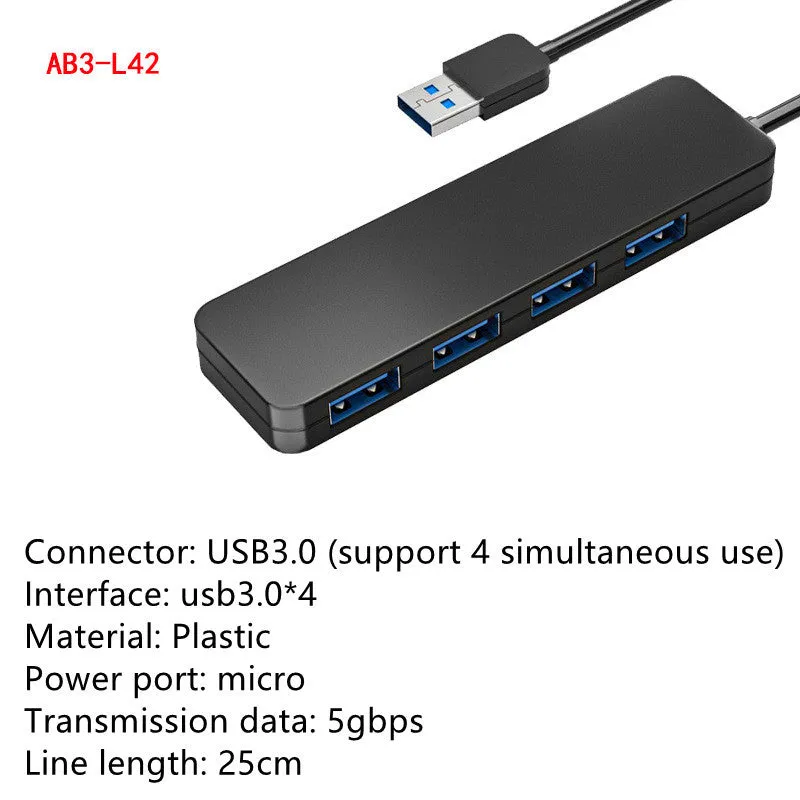
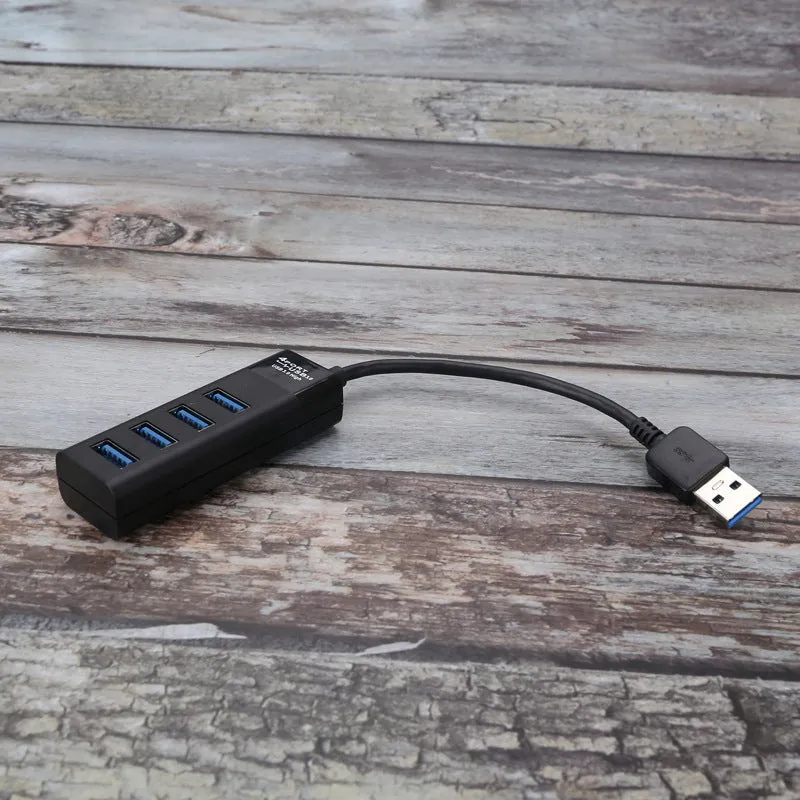
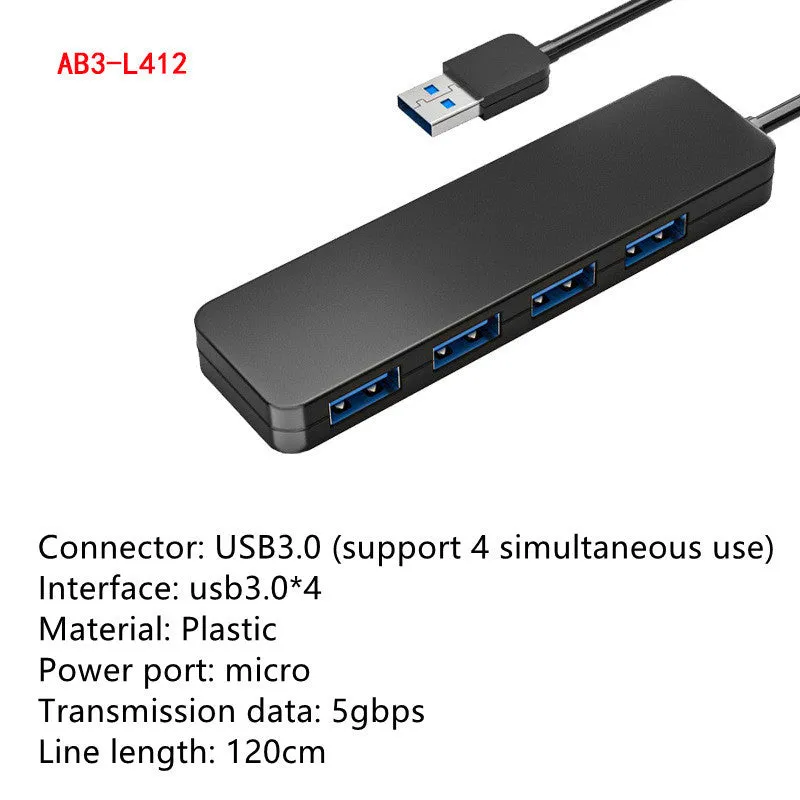
USB 3.0 Hub High Speed 3.0 Splitter with 4 Ports, USB 3.0 Cable 30cm, Backward Compatible with USB 2.0 and USB 1.1, Plug-and-Play Design for Windows and Mac Operating Systems, Black Housing with LED Status Indicators


USB 3.0 Hub High Speed 3.0 Splitter with 4 Ports, USB 3.0 Cable 30cm, Backward Compatible with USB 2.0 and USB 1.1, Plug-and-Play Design for Windows and Mac Operating Systems, Black Housing with LED Status Indicators
USB 3.0 Hub 4-Port Splitter: High-Speed Expansion with 30cm Cable and Plug-and-Play Setup

This USB 3.0 hub provides a straightforward solution for expanding the connectivity of your computer. By adding four high-speed USB 3.0 ports via a single 30cm cable, it addresses the common limitation of having insufficient USB ports for all your peripherals. The hub delivers a maximum data transmission rate of 5Gbps, facilitating quick file transfers for compatible devices. Its design emphasises ease of use with plug-and-play functionality that requires no software installation, making it ready for immediate use with a range of operating systems including various Windows versions and Mac OS. The black housing features individual LED indicators for clear connection status feedback.
Features and Construction
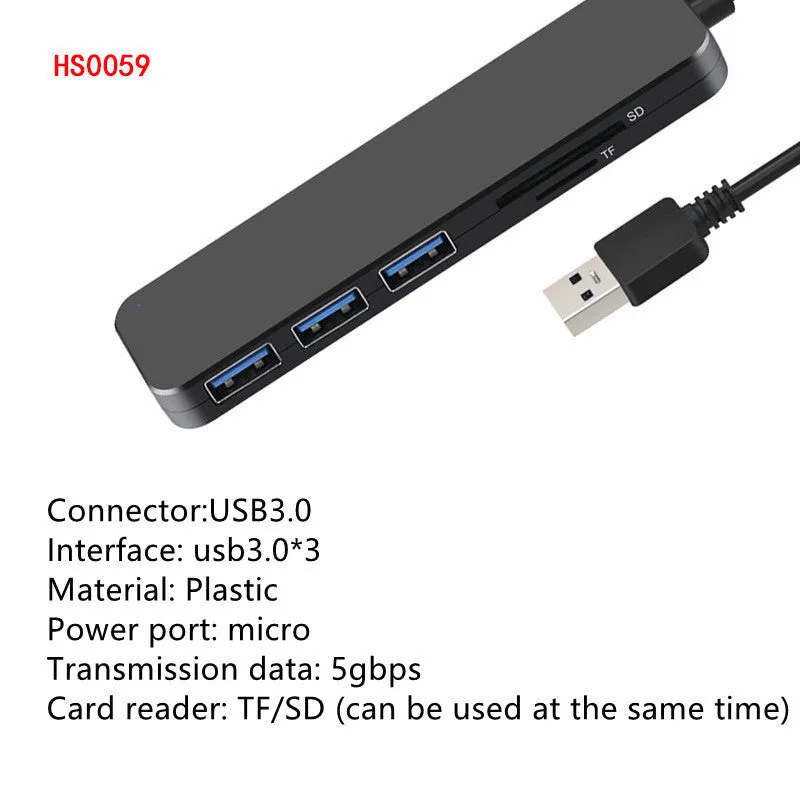
The hub is built around the USB 3.0 specification, offering a balance of speed and compatibility. Its primary role is to act as a reliable port multiplier for desktops, laptops, and other host devices.
Material and Build
The product features a black housing, though the specific plastic or composite material is not detailed in the source. The internal electronics are designed to support the USB 3.0 standard's high-speed data pathways and power delivery specifications. Each of the four ports incorporates a current overload detection and protection circuit, a practical safety feature designed to help safeguard connected devices from electrical issues.
Size and Practical Fit
The hub connects to your computer via an integrated USB 3.0 cable measuring 30cm in length. This cable length provides some flexibility in positioning the hub relative to your computer, whether on a desk or beside a laptop. The physical dimensions of the hub unit itself are not specified, but its four-port layout suggests a compact form factor suited for desk or travel use. The inclusion of individual LED indicators for each port is a functional design choice that provides immediate visual confirmation of device activity.
Uses and Placement
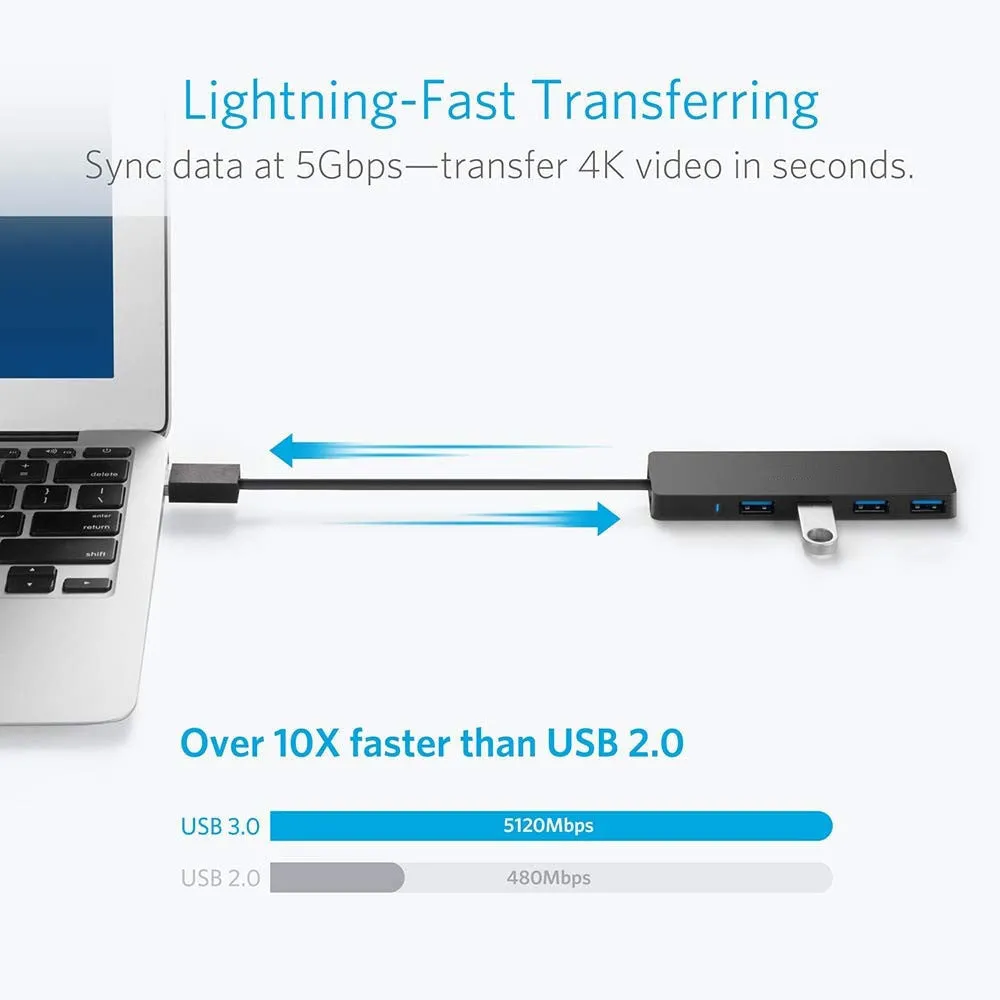
This hub is suited for both general home computing and basic professional environments where additional USB connectivity is needed. Its compatibility ensures it works with a wide array of common peripherals.
Event or Professional Use
For presentation setups or temporary workstations, the hub's plug-and-play nature allows for quick deployment. You can connect multiple devices such as a presentation clicker, a USB drive for slides, an external mouse, and a keyboard simultaneously without installing software. The high 5Gbps speed is beneficial for professionals transferring large project files, photos, or videos from memory cards or external drives. The hub's backward compatibility means it can also accommodate older specialised equipment that may only have USB 2.0 or 1.1 interfaces.
Everyday Home Use
At home, the hub efficiently expands a laptop's limited ports. It allows you to keep a mouse, keyboard, and webcam permanently connected while leaving a port free for occasional use with a phone cable, printer, or external storage. The LED indicators help quickly identify if a device like a flash drive is properly recognised. The hot-plug support means family members can easily connect and disconnect their own devices, like charging cables or game controllers, without affecting other connected peripherals or requiring technical knowledge.
Benefits and Buying Value
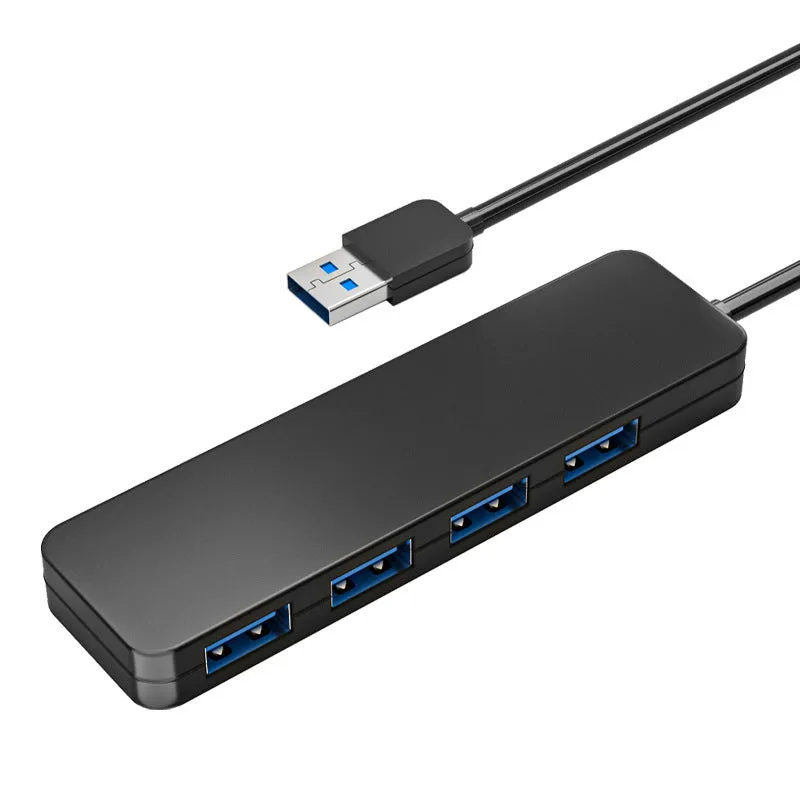
The value of this hub lies in its specific functionality and the practical problem it solves, rather than abstract premium claims. It is a tool for connectivity expansion.
Reuse and Low Maintenance
The hub requires virtually no maintenance. Its solid-state design has no moving parts to wear out, and the lack of required driver software means it isn't tied to specific software updates. It can be moved between different computers—from a home desktop to a work laptop—with no setup needed each time, thanks to standard USB protocols. The robust construction implied by features like overload protection suggests a design intent for regular, long-term use with various devices.
Why Choose This Product
You might choose this specific USB 3.0 hub because it provides four high-speed ports, a useful 30cm connecting cable, and clear operational feedback via LED indicators—all detailed in the source specifications. Its broad compatibility with operating systems from Windows XP through to Windows 10 and Mac OS covers most common user needs. The inclusion of overload protection on each port adds a layer of practical safety for your connected devices. For users seeking a straightforward, no-fuss way to add more USB ports, this hub delivers exactly that based on its stated capabilities.